



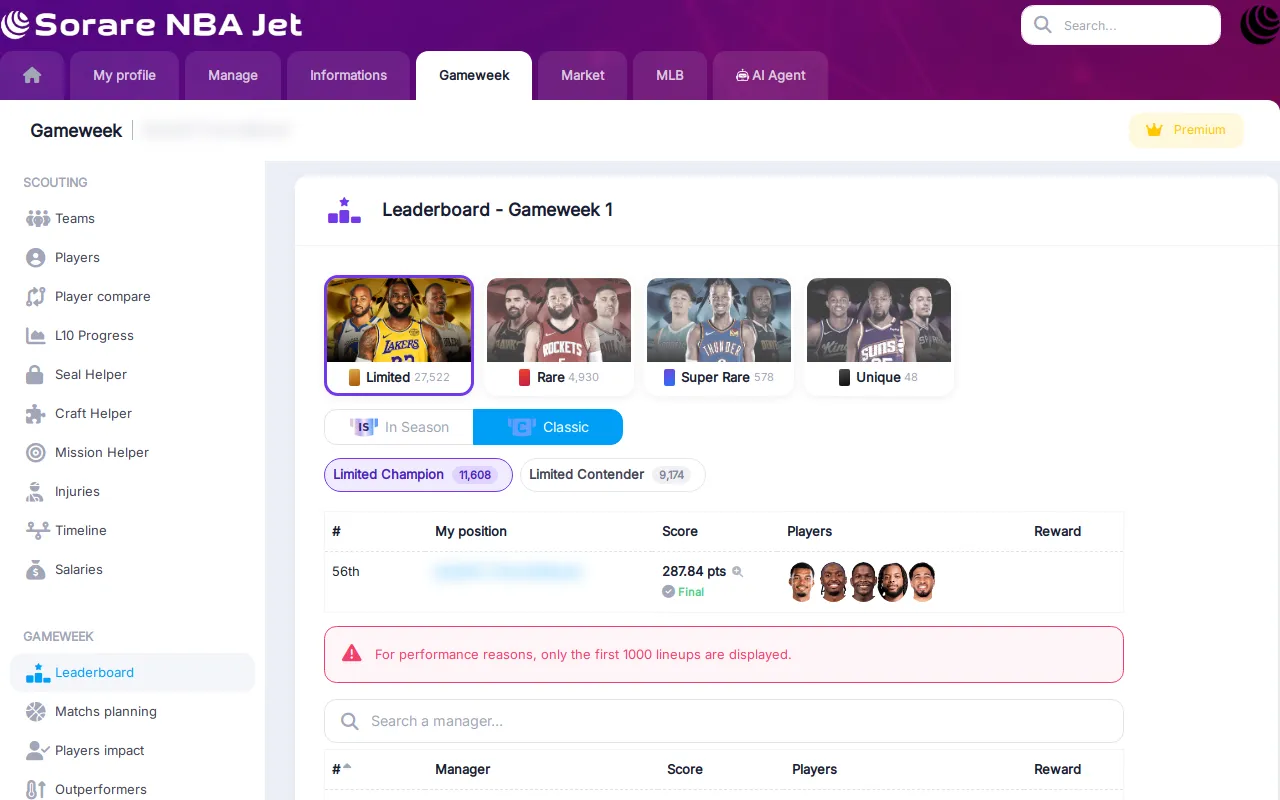
During a Sorare NBA gameweek, the current leaderboard only tells half the story. A lineup with three games left can sit far below where it will finish. This update turns the leaderboard into a live view of where every lineup is heading, and brings stars to Player Impact and L10 Progression.
Live leaderboard with a projected rank
The leaderboard now has a Projected column: the rank and score each lineup is expected to reach once its remaining games are played. It is refreshed every 30 minutes during the gameweek, and the time of the last update is shown when you hover the column header.
- Click Projected to sort the whole leaderboard by projected rank, and click the rank column to go back to the current ranking.
- Next to each score, a status tells you whether it is Final (no game left for these players) or how many games are still left.
- The reward column shows the projected reward of each lineup: a chip in the colour of the card rarity with its star tier, the way NBA 27 rewards work.
Pick your competition in three clicks
Choosing a competition is now a three-step selector: the rarity (Limited, Rare, Super Rare, Unique) with its number of lineups, then In Season or Classic, then the competition itself with its logo and lineup count.
Open any lineup
Click a lineup score to open its details. For each of the five cards you see the player, his team, his L10 and star rating at gameweek opening, the XP boost of the card, and every game of the gameweek: score, did not play, projected score or scheduled date. The best game of each player is highlighted, and the header sums it up: Final or games left, projected rank and score, and projected reward.
The manager's name links straight to their results page, so you can see how they have been doing over the season.
Player Impact: who is everyone playing?
Player Impact shows which players are used in a competition and how they perform. It gets several upgrades:
- Usage rate: the share of lineups that use each player, right under his name.
- Sortable columns: sort by L10, number of uses, final score or reward performance.
- Remaining potential: next to the score, the projection of the games a player still has to play this gameweek.
- Only my lineup: tick it to keep only the players of your own lineup in that competition. Your players are highlighted in the list either way.
- Stars next to L10, the Champion / Contender icon of the competition, and rewards shown as NBA 27 star tiers.
- Injuries: injury status next to each player.
Premium members see every player of the competition and their injury status.

L10 Progression: switch to stars
L10 Progression helps you anticipate how a player's L10 will move with his next games. It now has a L10 / Stars switch: in stars mode, you see the star rating at gameweek opening, the current one and the projected star rating, which is what matters for your stars cap.
- My players: one click shows the players of your cards, all teams together.
- Filters: show only the players whose star rating changes, and sort by L10 or by projected change, up or down.
- Player hover: hover a player to see his L10, his current star rating and his floor prices.
Seeing all players requires a Premium access.

Streaks tracker: managers starting a new streak
The Streaks tracker now also lists managers who are at 0x but are validating the first tier on the current gameweek. You see a new streak as soon as it starts, not one gameweek later.
How to use it during a gameweek
- Open the leaderboard, pick your rarity, In Season or Classic, and your competition.
- Sort by Projected to see where you will likely finish and which reward you are heading for.
- Open the lineups just above you to see how many games they have left.
- Check Player Impact to see which popular players still have games to play.
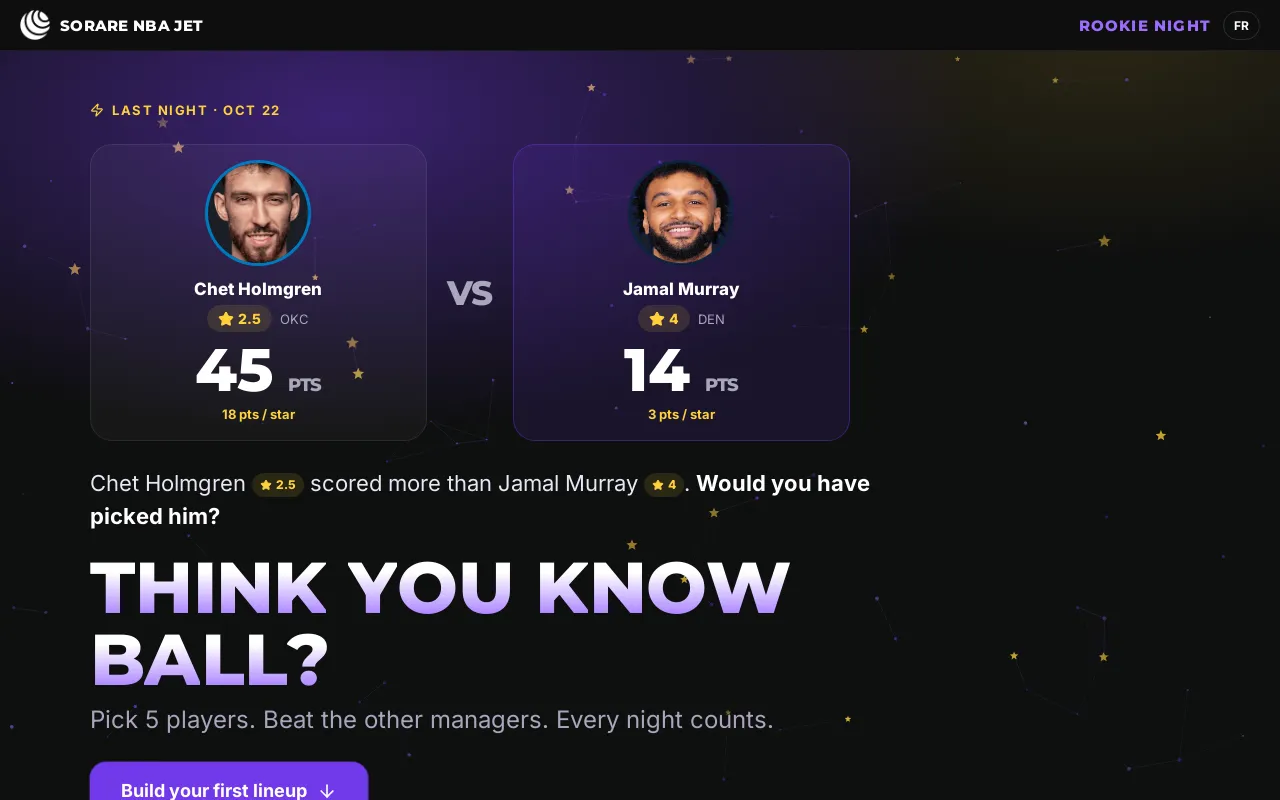
New to the stars system? Read about Rookie Night and the Roster in stars, or find the right cards for your budget with the new market tools.


 Sign in via Sorare